


If you started streaming on Twitch a year or two ago and gave up because the Affiliate grind felt impossibly long it’s time to come back.
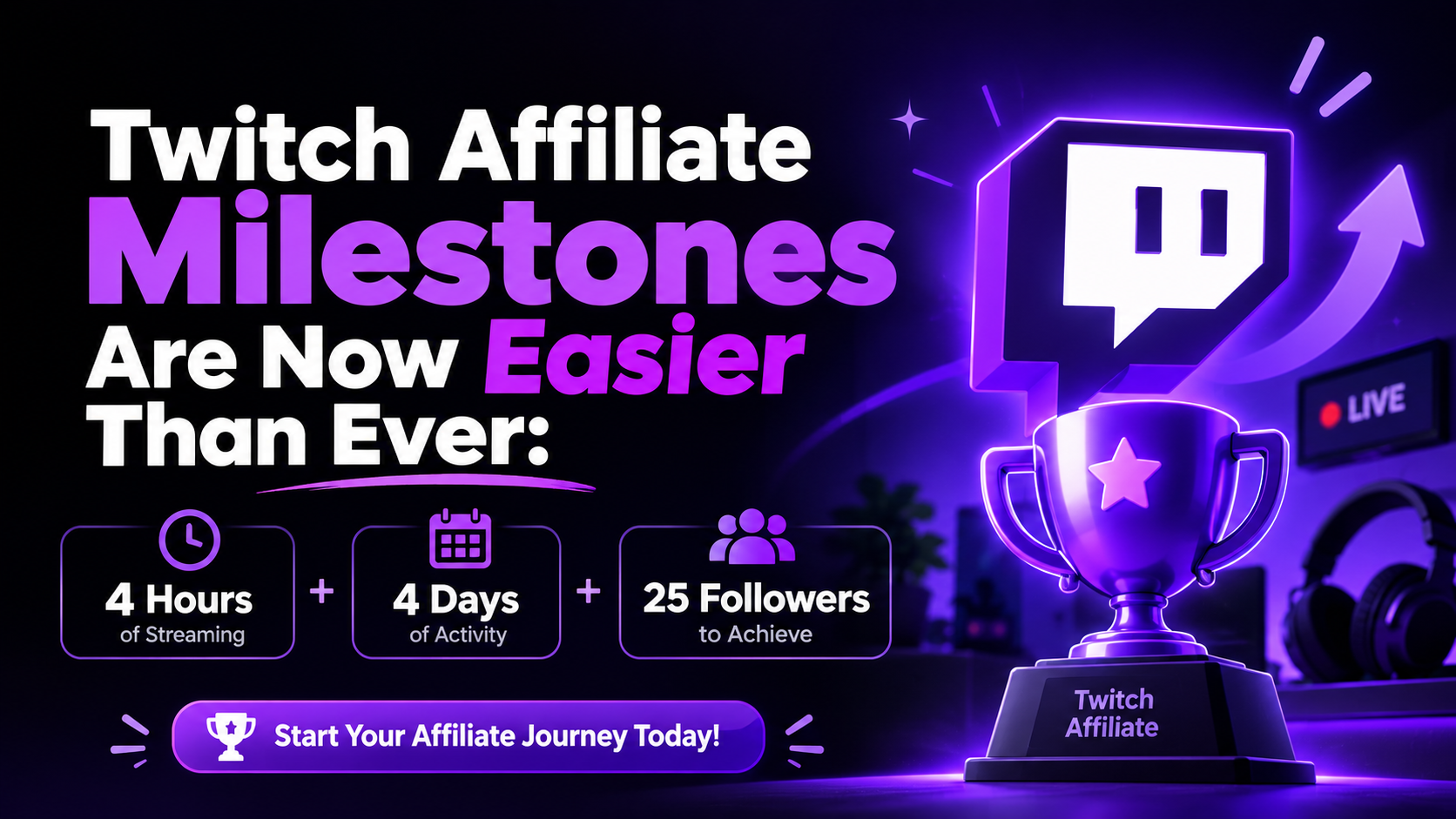
In May 2026, Twitch officially shipped what it called “Monetization for All,” and the headline change is genuinely significant: the Affiliate milestone requirements have been cut by roughly half. What used to take 50 followers, 500 minutes of streaming, and 7 separate broadcast days now only requires 25 followers, 4 hours streamed, and 4 broadcast days all within a rolling 30-day window.
That’s a real, meaningful reduction. And for the thousands of streamers who were grinding toward a bar that felt just out of reach, it changes the math entirely.
Let’s break down exactly what changed, what you unlock when you hit Affiliate, and how to get there as efficiently as possible.
Overview: What Are the Reduced Affiliate Milestones?
The Twitch Affiliate Program is the gateway to monetization for the vast majority of streamers on the platform. It’s the first official tier where your community can subscribe, cheer with Bits, and actually put real money in your pocket through the platform itself.
Key Updates: 4 Broadcast Hours, 4 Stream Days, and 25 Followers
Here are the current Twitch Affiliate requirements as of the May 2026 Monetization for All update, all measured inside a rolling 30-day window:
25 followers (cumulative, not within the window), 4 total hours streamed, 4 separate broadcast days, and an average of 3 concurrent viewers across those 4 days.
All four of these conditions need to be met simultaneously within the same 30-day window. Twitch’s Path to Affiliate tracker in your Creator Dashboard shows your progress on each metric in real time.
Platform Context: Where This Change Came From
Twitch announced this shift in the broader context of opening up monetization tools to all streamers, not just Affiliates. Features like subscriptions, Bits, custom emotes, and Channel Points are now accessible to eligible streamers before they formally hit Affiliate status but there’s a critical catch: you can’t actually cash out any of that money until you complete Affiliate onboarding. The earnings sit in a locked Spendable Balance until the Affiliate bar is cleared.
So the urgency to hit Affiliate is, if anything, higher now than before. Your early viewers might already be subscribing. You just can’t withdraw anything until you’re officially in.
Comparison: Old Requirements vs. New Requirements
This update was the first cut to the Affiliate bar since the program launched in 2017. Here’s what changed:
The follower requirement dropped from 50 to 25. The unique broadcast days requirement fell from 7 down to 4. The streaming hours requirement went from 500 minutes (roughly 8.3 hours) all the way down to just 4 hours (240 minutes). The average viewer requirement of 3 concurrent viewers across the qualifying days stayed exactly the same.
That last point is the most important thing to understand. Three requirements got significantly easier. The one requirement that actually determines whether most people make it to Affiliate maintaining an average of 3 concurrent viewers didn’t move at all.
This isn’t a criticism of the update. It’s just reality: accumulating followers, clocking hours, and spreading streams across days are all things you can engineer with enough effort and consistency. Sustaining 3 average viewers depends on real people showing up, staying, and returning. That’s an audience problem, not a scheduling problem.
How the New Thresholds Compare to Twitch’s Own History
The old seven-day broadcast requirement was genuinely punishing for streamers with irregular schedules or full-time jobs. Needing to stream on seven distinct calendar days within a 30-day window meant you had to average nearly two stream days per week, with zero room for missed sessions. Dropping to four days means you only need to stream once per week for a month, or do four short sessions in a single week and you’re done on that metric.
The follower reduction from 50 to 25 is also more meaningful than it sounds. For a brand new streamer with no existing audience, getting those first 25 followers through genuine community building is genuinely achievable in a focused week of networking and posting clips off-platform.
Benefits Unlocked Once You Reach Affiliate Status
This is the part that actually matters what being an Affiliate gets you. And the honest answer is: quite a lot, especially for early-stage streamers trying to build something real.
Subscriptions and Creator Revenue Splits
Once you’re an Affiliate, viewers can subscribe to your channel at three tiers: $4.99, $9.99, or $24.99 per month. They can also use an Amazon Prime Gaming subscription on your channel at no extra cost to them.
Twitch’s standard revenue split for Affiliates is 50/50 on subscriptions after platform fees. So a $4.99 sub nets you roughly $2.50 before any additional processing fees. That might not sound like a lot, but 20 consistent subscribers at Tier 1 adds up to around $50 per month before anything else and it compounds as your community grows.
The good news is that the Plus Program, which can increase your revenue split to 60/40 or even 70/30, is now available to Affiliates not just Partners. You need to hit certain Plus Points thresholds to qualify, but the ceiling is no longer exclusive to the top tier of creators.
Channel Emotes, Subscriber Badges, and Community Perks
Affiliate status unlocks up to 5 custom channel emote slots for your subscribers. These are small custom images your community can use in chat across Twitch they’re a surprisingly powerful retention tool because they give your community a sense of identity and belonging.
You also get subscriber badges, which display next to a viewer’s name in chat based on how long they’ve been subscribed. One month, three months, six months, one year each tier is a visible marker of loyalty that communities genuinely take pride in.
Channel Points unlock as well a customizable engagement system where viewers earn points by watching, participating in chat, and following, then spend them on rewards you define. Want to let subscribers change your game music, make an in-game decision for you, or get a custom timeout? Channel Points make all of that possible.
Finally, Bits become a fully active revenue stream. Viewers can cheer in chat using Bits, and you earn $0.01 for every Bit cheered. A viewer who drops 1,000 Bits is effectively sending you $10. It’s not passive income, but for engaged communities it adds up consistently.
Step-by-Step: How to Hit 4 Hours, 4 Days, and 25 Followers Fast
Let’s be practical. Here’s how to approach the Affiliate milestones efficiently without burning yourself out in week one.
Setting Up a 4-Day Streaming Schedule
The cleanest path through the mechanical requirements is to plan four streams each at least an hour long spread across four separate calendar days within the same 30-day window. If you stream Monday, Wednesday, Friday, and Saturday of the same week, you clear both the hours and broadcast days requirements simultaneously.
Keep each stream at least 60–90 minutes to build meaningful session length. Short 15-minute streams technically count toward your hours, but they’re almost worthless for building the 3-viewer average you need. Longer streams give real people time to find you, settle in, and stay.
Pick consistent time slots and stick to them. Even at this early stage, consistency signals reliability to your audience. Viewers who show up once and find you live again at the same time the following week are far more likely to become regulars.
Networking Strategies to Gain Your First 25 Followers Organically
Twenty-five followers is not a high bar, but it’s also not zero and for a brand new account with no existing online presence, it requires some intentional effort.
The most reliable off-platform strategy is posting clips to TikTok, YouTube Shorts, and Instagram Reels. Even a few clips from your first streams funny moments, good gameplay, genuine reactions can each reach hundreds of people who’ve never heard of you. Include a clear call-to-action pointing back to your Twitch channel, and a percentage of viewers who enjoy your clips will follow.
Discord communities built around your specific game or content niche are another underrated resource. Participating genuinely not just dropping your link builds real relationships with people who are already interested in what you’re streaming. Some of them will follow and show up.
Reaching out to other small streamers for raids and hosting is the Twitch-native version of this. When a streamer sends their viewers to your channel at the end of their stream, those viewers see you live, in the moment. That immediate personal introduction converts to followers at a much higher rate than a link in a bio.
And don’t underestimate friends, family, and your existing social circles. Getting 10–15 followers from people who already know and support you isn’t cheating it’s a normal starting point that most successful streamers had, even if they don’t talk about it much.
A well-planned Twitch promotion strategy that gets your content in front of the right audience can collapse this timeline significantly. At NexTech Ads, we help new and growing streamers build targeted reach from the start getting your channel and clips in front of people who are genuinely interested in what you create. Visit nextechads.com to learn more about how we support creators at every stage.
Post-Milestone Onboarding: Payouts, Verification, and Next Steps
Setting Up Payment Processors and Tax Info
The moment Twitch detects you’ve met all four requirements simultaneously, you’ll receive an invitation in your Creator Dashboard to join the Affiliate Program. Don’t ignore it the clock starts ticking on accepting your invite.
You’ll be asked to complete onboarding through Twitch, which includes signing the Affiliate agreement, completing tax information (even if you’re outside the US, Twitch requires tax details for US withholding compliance), and connecting a payout method. Twitch pays out through PayPal, check, wire transfer, ACH direct deposit, or local bank transfer depending on your region.
Keep in mind there’s a minimum payout threshold currently $50 before Twitch processes your first payment. New Affiliates typically wait until they’ve accumulated that minimum before seeing their first deposit.
Bits are unlocked 14 days after you accept your Affiliate invitation, so don’t be surprised if they’re not immediately available on day one.
Maintaining Affiliate Standing and Avoiding Disqualification
Affiliate isn’t a one-time gate you pass through and never think about again. Your status can be revoked if you violate Twitch’s Community Guidelines, Terms of Service, or if your account becomes inactive for an extended period.
Twitch can also revoke Dual Format or 2K transcode support if your account becomes inactive, which is a smaller but related consideration for streamers using those new features.
The other thing worth watching is your content. Twitch’s policies around copyright music, mature content labeling, and hate speech are actively enforced, and violations can lead to account action up to and including Affiliate removal. Make sure you understand the platform rules before you’re monetized it’s much easier to build good habits before there’s revenue on the line.
Frequently Asked Questions
Do all four requirements need to be met at the same time?
Yes. All four 25 followers, 4 hours streamed, 4 broadcast days, and 3 average concurrent viewers on those days must all be active within the same rolling 30-day window simultaneously. The follower count is cumulative and lifetime, but the other three are time-bound.
What happens to subscriptions and Bits I earned before becoming an Affiliate?
Any earnings from subscriptions or Bits that accumulated before you formally completed Affiliate onboarding sit in a Spendable Balance. They’re locked and cannot be withdrawn until you complete the Affiliate acceptance process.
Can I become an Affiliate in less than a week?
Mechanically, yes. If you stream on four separate days within the same week, stay live long enough to accumulate 4+ hours, and average 3 viewers across those streams while already having 25 followers, you’ll meet all requirements. Whether Twitch processes the invitation instantly varies, but the requirements themselves can be cleared that quickly.
Is the 3-viewer average the hardest requirement?
For most streamers, yes. Followers, hours, and days are all things you can engineer with effort and scheduling. Getting three people to watch consistently requires an audience and building even a small initial audience is what separates streamers who make it to Affiliate from those who don’t.
What’s the revenue split for Affiliate subscriptions?
The standard split is 50/50 after platform fees. A $4.99 Tier 1 sub translates to roughly $2.50 for you. The Plus Program can increase this to 60/40 or 70/30 once you hit certain thresholds, and it’s now available to Affiliates as well as Partners.
Does becoming an Affiliate affect whether my old followers count?
Your follower count is cumulative. Any followers you gained before applying count toward the 25-follower requirement. If you previously streamed and built some followers, those are still there working in your favor.
How long after I qualify does Twitch send the Affiliate invite?
Twitch typically sends the invitation to your Creator Dashboard relatively quickly once all four conditions are met simultaneously within the rolling window. Check your dashboard and email regularly if you believe you’ve qualified.
The 2026 Affiliate threshold reduction is one of the most creator-friendly changes Twitch has made in years. It removes the punishing multi-week grind from the early stages of streaming and puts the focus where it should always have been: building a small but genuine community.
If you’ve been putting off starting your streaming journey because hitting 50 followers and 7 stream days felt overwhelming, that excuse is gone now. Twenty-five followers. Four hours. Four days. That’s your target. Go get it.