

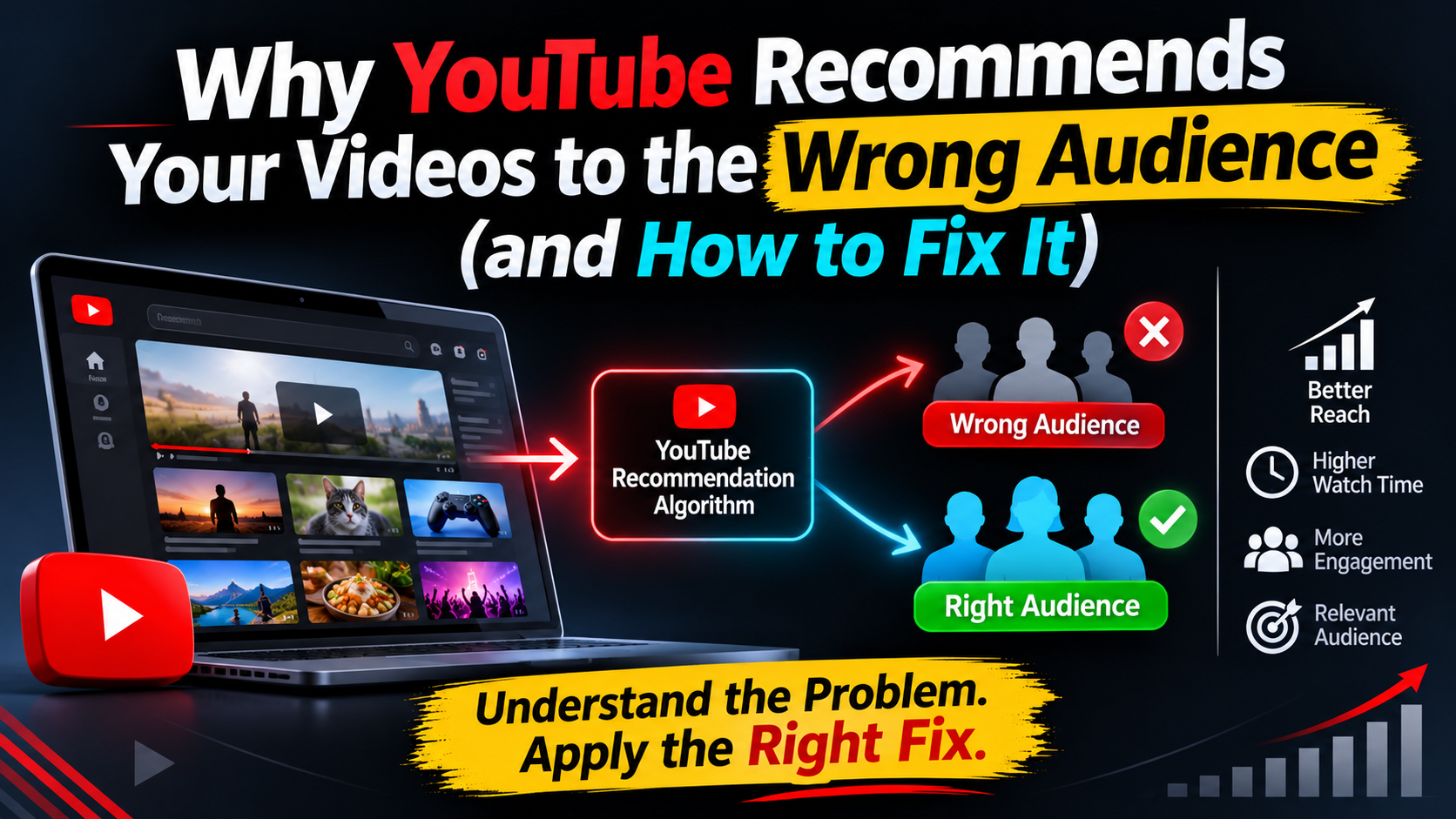

Few things feel worse than this. You upload a video you’re proud of, and YouTube shows it to people who clearly don’t care. The views come in, but the watch time is tiny. The comments say “this isn’t what I expected.” Your next video gets even less reach.
If you’ve been there, take a breath. It’s not you, and it’s rarely permanent.
In this guide, we’ll look at what’s really going on when YouTube recommends videos to the wrong audience, how to check your own channel, and how to nudge things back on track. Let’s start with a mindset shift that changes everything.
Decoding the Algorithm: Does YouTube Push Videos or Do Viewers Pull Them?
Most of us picture “the algorithm” as a gatekeeper that decides which videos to promote. YouTube describes it differently.
According to YouTube’s own help page, the system doesn’t promote videos to your audience. It finds videos for your audience when they visit YouTube. In other words, recommendations are pulled by viewers, not pushed by YouTube.
The official explanation goes further. The recommendation system has two goals: helping each viewer find videos they want to watch, and maximizing their long-term satisfaction. It also encourages creators to ask whether their audience likes a video, rather than whether the algorithm likes it.
So when you get the “wrong audience,” the system is usually reacting to what real viewers did. Who clicked, who stayed, who left, and who came back. Your job is to send cleaner signals.
The 5 Primary Causes of Algorithmic Audience Mismatches
Before we get into the fixes, here are the five most common reasons a video ends up in front of the wrong crowd. One note: YouTube hasn’t published a neat list of mismatch causes. Some of these come from YouTube’s documentation, and others are widely reported patterns among creators, so treat them as strong clues rather than guaranteed rules.
1. Packaging vs. Payoff: Curiosity Gaps, Clickbait, and Early Abandonment
This is the big one. If your title and thumbnail promise one thing and your video delivers another, people click, feel tricked, and leave.
YouTube warns against this directly. Its guidance says to use titles and thumbnails that accurately represent your content, and to avoid ones that are misleading, clickbaity, or sensational. These can turn away potential new viewers and, in some cases, lead to content removal.
A curiosity gap is fine when the video truly pays it off. It becomes a problem when the payoff never arrives. The click you earn today becomes the early drop-off that hurts you tomorrow.
2. Topic Drift and Niche Inconsistency
Imagine a channel that posts gaming on Monday, a cooking video on Wednesday, and a vlog on Friday. Each viewer sees a different channel, and YouTube struggles to learn who your audience is.
The recommendation system learns from viewers’ interests in themes, topics, and formats. It also looks at what similar viewers enjoy, in the spirit of “people who watched video A also watched video B.” If your videos don’t connect to a clear group of viewers, those connections get muddy.
This doesn’t mean you can never experiment. YouTube encourages it. But random jumping between unrelated topics makes the audience picture fuzzy.
3. The Expansion Phase (Why Reach Can Look Wrong Before It Gets Right)
Many creators notice something strange. A video starts strong with subscribers, then YouTube widens its reach and the numbers suddenly dip. CTR falls, retention changes, and it feels like the algorithm has gone wrong.
Often it’s just the video meeting colder viewers. Your loyal fans click readily, while new audiences are pickier. YouTube hasn’t described this process in detail, but it matches how recommendations work: videos are judged on how viewers respond when they’re offered them.
The takeaway is simple. A dip during expansion isn’t automatically a failure. What matters is whether the newer viewers keep watching.
4. Shorts vs. Long-Form Audience Mismatches
Shorts viewers and long-form viewers often behave differently. Someone who swipes through quick clips may not want a 20-minute deep dive, and the reverse is also true.
If your channel mixes both without a plan, you can end up with a subscriber base that likes one format and ignores the other. That’s why it helps to be thoughtful when you promote YouTube Shorts. A Short should work as a doorway to your long-form world, with a clear link in topic, not a random clip that attracts people who’ll never watch your main content.
YouTube hasn’t published a rule about how Shorts and long-form signals interact, so test this on your own channel and watch what your analytics say.
5. Low-Intent Traffic From Outside YouTube
Traffic from places unrelated to your niche, such as random social shares or broad ads, can bring people who click once and never return. When your early viewers aren’t truly interested, the early signals can look weak.
YouTube hasn’t confirmed that outside traffic “poisons” recommendations, so I’d avoid anyone who states that as fact. But it’s sensible logic: send the right people first. Targeted traffic from viewers who genuinely care about your topic gives cleaner data than broad, scattered clicks.
Step-by-Step Diagnostic: Auditing Your Audience in YouTube Studio
Now let’s get practical. You don’t need fancy tools. YouTube Studio already shows you most of what you need.
Analyzing “Content Suggesting This Video”
In the Reach tab, look at your Suggested traffic and see which videos are leading viewers to yours. This shows the “neighborhood” your video lives in.
If those neighboring videos match your niche, great. If they’re about something unrelated, that’s a hint that YouTube has linked your video to the wrong crowd.
The Audience tab is helpful here too. YouTube points out that it shows your viewers’ preferred formats and the channels and content they also watch, which helps you understand where your viewers’ tastes actually sit.
Evaluating Traffic Sources: Browse vs. Suggested vs. Search
Each source tells a different story. Home is personalized based on performance with similar viewers plus watch and search history, while Suggested videos are ranked to offer what viewers are most likely to watch next. Search is driven by how well your title, description, and content match what someone typed.
If most of your traffic comes from Browse but your retention is weak, YouTube may be testing you with the wrong group. If Search viewers stay and Browse viewers leave, your topic may be strong but your packaging may be attracting casual clickers.
Reading the Audience Retention Graph for Expectation Disconnects
Open the retention graph on a video that “went to the wrong people.” Look for a steep drop in the first 15 to 30 seconds. That usually means the opening didn’t match the promise.
Also check whether retention recovers later. A dip followed by stable viewing means the people who stayed were the right ones. A graph that keeps falling means expectations never lined up.
How to Re-Anchor the Recommendations to Your Ideal Viewer
Good news: you can steer this. Here’s how.
Refine Your Packaging to Filter Out Low-Intent Clickers
Your thumbnail and title are a filter, not just an invitation. Make them clearly say who the video is for. Specific beats vague. If someone isn’t your audience, it’s actually better that they don’t click.
YouTube also notes that a consistent title and thumbnail style helps viewers recognize your videos quickly. Keep it honest, keep it consistent, and let the right people self-select.
If you’re unsure which version works better, YouTube Studio lets you test up to three titles or thumbnails on a video. The winner is decided mainly by watch time, which rewards honest packaging over flashy clicks. Make your variations genuinely different, and leave the test alone once it starts, since changing things mid-test stops it.
Session-Level Optimization: Playlists, Series, and End Screens
Think beyond one video. YouTube recommends making it easy for viewers to find more of your content. It suggests building content series, using clear calls to action, and adding playlists and end screens, because positive viewer interactions are a strong signal.
A viewer who watches two or three related videos in a row teaches YouTube much more about who you serve than a single drive-by click.
Content Pruning and Metadata Reset for Established Channels
This one needs caution. Some creators delete old off-topic videos to “clean up” their channel. YouTube’s guidance doesn’t call for that. It says an underperforming video doesn’t automatically hurt your channel, and that fresh performance data is used for each video.
What can hurt, according to YouTube, is a pattern where viewers stop watching most of your recommended videos. So rather than deleting, focus on making your next several videos clearly on-topic. If an old video is truly misleading, fixing its title and thumbnail is usually safer than removing it.
And about tags: YouTube says they’re not very important and mainly help with misspellings. Don’t expect a tag reset to retrain your audience.
Things That Don’t Matter as Much as You Think
While we’re clearing up myths, YouTube’s help page says a few popular worries are mostly unfounded. Your channel location setting isn’t used to decide how videos are recommended, and publish time isn’t known to affect a video’s long-term performance. Likes and dislikes count, but they’re just two of hundreds of signals.
So skip changing your country or obsessing over upload hours. Spend that energy on content that satisfies the right people.
Where Promotion Fits In
Here’s an honest truth. Even a great, well-packaged video needs the right first viewers. If those early viewers are your actual audience, YouTube gets clean data. If they’re random, it gets noise.
That’s why targeted promotion matters. When you promote YouTube Shorts or long videos to people who genuinely care about your topic, you give the recommendation system a better picture of who your viewers are. At NexTech Ads, we help creators, influencers, and streamers reach interested audiences instead of just chasing numbers.
Promotion won’t rescue a video that misleads people, but it can give a good video a fair start.
Summary and Action Checklist: Getting Back on the Right Feeds
If YouTube keeps recommending your videos to the wrong crowd, run through this checklist.
First, check your promise: does the title and thumbnail match what the video delivers in the first 30 seconds? Next, look at your suggested traffic neighborhood and ask whether it matches your niche. Then compare traffic sources, especially Browse against Search. Open your retention graph and look for early drop-offs. After that, review your last ten uploads for topic consistency. If you use Shorts, make sure they connect to the topics of your longer videos. Finally, build series and playlists so viewers have a natural next step.
Change one thing at a time, so you can tell what worked.
Frequently Asked Questions
Why is YouTube showing my videos to the wrong audience?
Usually because the signals from early viewers were mixed. Misleading packaging, scattered topics, or low-intent traffic can all make it harder for YouTube to learn who your real audience is.
Does YouTube push videos to people?
Not in the way many creators imagine. YouTube says it finds videos for viewers when they visit, based on what they watch, search for, and enjoy.
Will one underperforming video hurt my channel?
Not on its own. YouTube says video-level and audience-level signals matter most, and a decline usually comes when viewers stop watching most of your recommended videos.
Should I delete off-topic videos?
Usually not. It’s generally safer to fix misleading titles or thumbnails and focus on making your future videos consistent.
Do tags help fix an audience mismatch?
Very little. YouTube says tags mainly help with common misspellings and are not important for discovery.
Does changing my channel country help?
No. YouTube says location settings aren’t used to decide how videos are recommended.
Can I promote YouTube Shorts and long videos together?
Yes, as long as the Shorts connect clearly to the topics of your long-form content, so the viewers you attract are likely to want more.
How long until my recommendations improve?
There’s no fixed timeline. Keep publishing consistent, honest videos aimed at your ideal viewer, and watch your retention and traffic sources over several uploads.
Final Thoughts
When YouTube sends your video to the wrong people, it can feel like a punishment. It isn’t. It’s feedback, and mixed signals are fixable.
Make honest promises, stay clear about who you’re making videos for, give viewers a natural next step, and let the right audience find you. Your ideal viewer is out there. Your job is to make it easy for the system to find them.
Visit – nextechads.com