

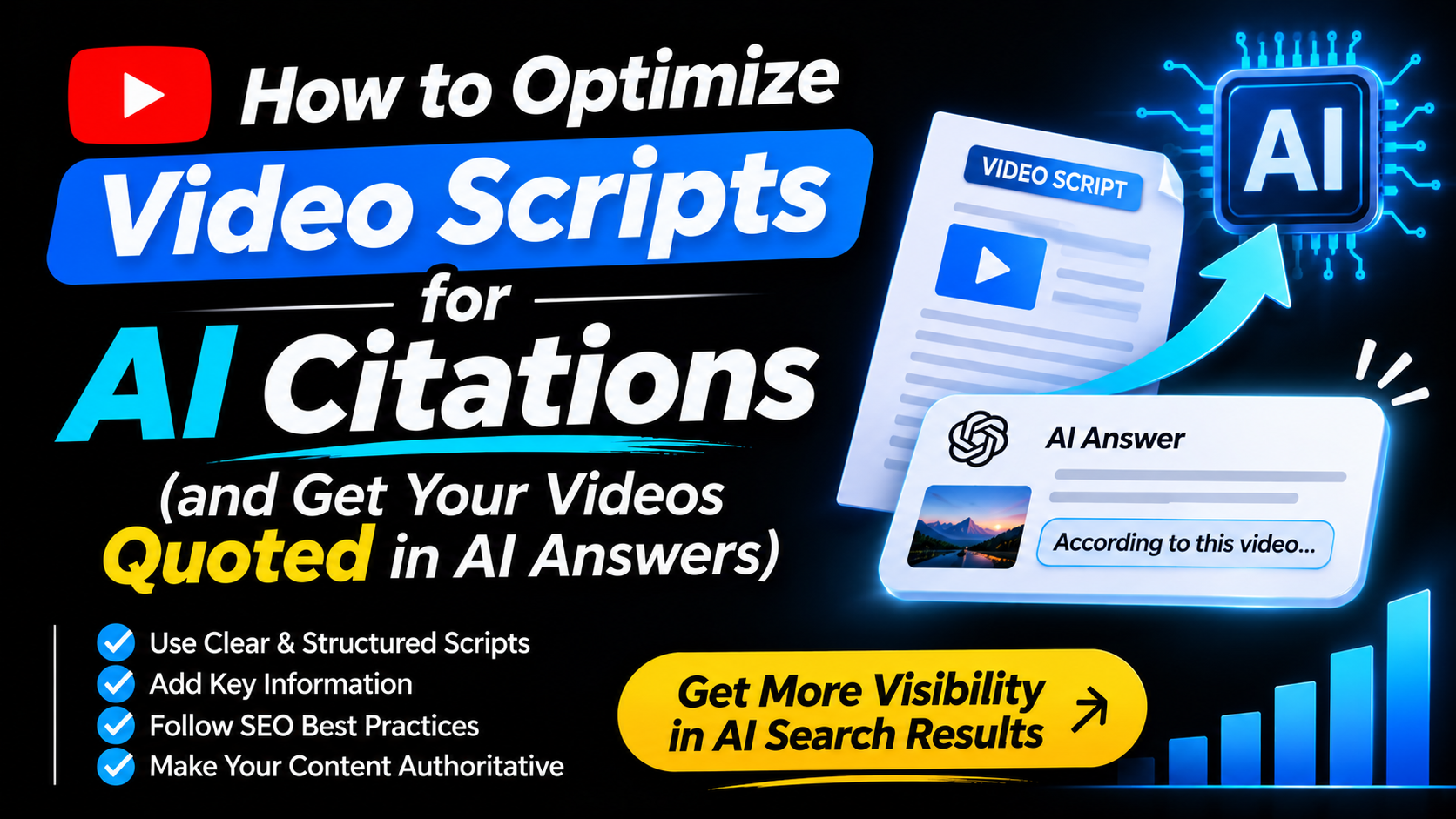

You spent days on that video. You researched, scripted, filmed, edited, and fixed the audio three times. Then someone asks an AI assistant the exact question your video answers, and your video isn’t mentioned.
It stings, doesn’t it?
Search has changed. People now ask ChatGPT, Gemini, and Google’s AI Overviews a question and get one neat answer with a few sources underneath. Those sources are “citation slots,” and there are very few of them. If you want your content in one, you need to optimize your video scripts for AI citations, not just for views.
The good news is that this is very learnable. Most of it comes down to how you write, structure, and label what you say on camera.
Why Video Citations Matter More Than Views Now
For years, creators chased views, watch time, and subscribers. Those still matter. But citations add a second kind of visibility: your brand shows up inside the answer itself, right where people are searching.
One recent industry webinar on video discoverability put it simply: video is no longer only about engagement. It is about being listed and cited wherever people search, including AI tools like ChatGPT and Gemini. veed
A video with 500 views that gets quoted again and again can be worth more than a viral video that never appears in an AI answer. People who arrive from an AI citation usually have a specific question and a real need, so they tend to be better viewers.
A quick honesty note: much of the data in this space comes from industry studies and webinars, not official announcements from Google or OpenAI. Treat the numbers as useful signals, not guarantees. The core ideas, though, are consistent across every source I checked.
How AI Search Actually “Watches” Your Video
Here is the part that surprises most creators. AI systems don’t watch your video the way a person does. They read it.
Generative search systems are text-first. Even when a model can process video directly, the retrieval layer that decides what to cite still ranks and quotes text, so a video with no exposed transcript is effectively invisible to the citation layer. geodocs
The process works roughly like this. A crawler finds your page or watch URL. It pulls out the transcript. It splits that transcript into small passages, then ranks those passages against the question being asked. If one passage answers the question well, it can be quoted, sometimes with a link to the exact timestamp.
Your script is the raw material for all of this. Every sentence you write can become a passage that gets lifted into an AI answer, or ignored. That is why script optimization matters so much.
Write Your Script Like Answers, Not Just Content
Most scripts are written to hold attention. They build slowly, tease the point, and save the answer for later. That’s fine for entertainment, but it’s weak for citations.
An AI system wants a passage it can lift out cleanly. So a good citation-friendly script contains short, self-contained answers that make sense even without the rest of the video.
Put the Answer First
When you ask a question in your video, answer it within the next sentence or two. Instead of “So, what is a transcript, really? Well, let’s go on a journey,” try “A transcript is the written text of everything said in your video, and AI tools use it to understand and cite your content.” Then add the story and personality afterward.
You are not losing your voice by doing this. You are just placing the useful sentence where it can be found.
Say the Question Out Loud
Viewers type questions. AI assistants are asked questions. So say the question in your script the way a real person would ask it. “How do I get my YouTube videos cited in AI answers?” is much easier to match than a vague line like “Let’s talk visibility.”
Name Things Clearly
Use real names for people, tools, features, and ideas, and repeat them when needed. Pronouns like “it” and “this thing” are fine in casual talk, but a passage that starts with “it” is hard to quote. A passage that starts with “YouTube chapters” can stand alone.
Keep Each Idea Compact
Think in small blocks. One idea, one clear explanation, then move on. This matches how retrieval systems cut transcripts into passages. A passage of roughly 80 to 120 words that covers a single point, tied to a timestamp, is a good unit for AI systems to quote. You don’t need to count words while you talk. Just avoid wandering, and finish each thought before starting the next. geodocs
Four Fields That Make a Video Easy to Cite
Beyond the script, four places on your video page tell AI systems what your video is about: the title, the description, the chapters, and the transcript. Think of these as the “four fields” worth getting right.
1. The Title
Question-style, specific titles work well. Long, specific titles that match real user questions, such as “How to Use AI for Video Translation,” tend to perform better in AI search than broad phrases like “AI Video Tools.” A specific title tells the AI exactly what the video answers.
If you are not sure which title version is strongest, YouTube Studio’s built-in title and thumbnail testing can help you compare options with real viewers. Just remember that watch time decides the winner there, so keep your title honest.
2. The Description
Front-load it. The first 100 characters of a description reportedly get extra weight from AI platforms, so the opening should state the specific value of the video right away. Compare these two openings:
“In this video, we will be discussing a few things about video marketing…” tells the AI nothing.
“Learn five video marketing steps that help small channels get discovered, with a simple checklist” tells it everything.
3. The Chapters
Chapters turn one long video into many small, quotable answers. We’ll cover how to name them below.
4. The Transcript
This is the foundation. Without it, nothing else works as well. Let’s go deeper on this one.
Four Transcript Techniques That Actually Help
If your transcript is messy, AI systems struggle to quote you. These four habits fix most problems.
Clean Up Auto-Captions
Auto-captions are a good first draft, but they are rarely good enough. They miss punctuation, mangle names, and mishear technical terms. Unpunctuated captions with wrong capitalization weaken ranking quality, because the entity boundaries get lost. Spend ten minutes fixing names, adding punctuation, and correcting terms. It is one of the highest-return edits you can make. geodocs
Put the Transcript on Your Own Page
If you have a website or blog, embed the full transcript right on the page next to your video, as real text. Retrieval systems tend to prefer transcripts that sit in the page’s HTML alongside surrounding context, rather than only a caption track on the video platform. Avoid hiding it in an image or a PDF, since text in images is much harder for these systems to read. geodocs
Add Timestamps Inside the Transcript
Place a timestamp at each topic change. This lets AI systems point people to the exact moment that answers their question instead of dropping them at the start of a long video.
Add Structured Data (If You Have a Website)
This one is more technical, so only do it if you run your own site. Marking up the page with VideoObject structured data, plus Clip entries for each section, helps search engines connect a quote to a specific window of the video. If this sounds like too much, skip it for now. A clean transcript and good chapters do most of the work.
How to Name Chapters So AI Can Use Them
Chapters are one of the easiest wins on YouTube, and they are underused. Done well, they help both people and AI systems. Chapters let AI systems cite a specific part of a video rather than the whole thing, turning one 20-minute video into several separate quotable answers.
The trick is in the naming. Avoid vague labels like “Part 2” or “The next thing.” Write each chapter title as a clear mini-question or a descriptive statement. For example:
“What is a video transcript?” works better than “Basics.”
“How to fix auto-caption mistakes” works better than “Editing.”
“Why chapter length matters” works better than “Tips.”
On length, sections of about 60 to 180 seconds tend to work best, because shorter ones are too thin to stand alone and longer ones cover too many topics at once. Each chapter should answer one question. If you can’t name the question, the chapter probably needs splitting.
Plan the Script Around Chapters Before You Film
Here is a workflow that saves editing time later. Write your script in chapter-shaped sections from the start: an intro, a definition, how it works, an example, and a takeaway. Leave a short pause between sections so your cuts are clean.
Then, after recording, generate captions, fix them, add your chapter timestamps in the description, publish the transcript on your page, and add structured data if you can. After publishing, test it by asking AI assistants the questions your video answers and seeing whether your content gets quoted.
Think of the script as the blueprint. If the blueprint is organized, everything built on it is easier.
Different AI Tools Behave Differently
One more important thing: not every AI system chooses sources the same way.
According to data shared in the same webinar, YouTube is the most-cited domain in Google Gemini, while it ranks far lower in ChatGPT citations, and Gemini reportedly tends to cite videos with fewer views while ChatGPT leans toward higher view counts. The same source also reports that Gemini usage has been growing quickly while ChatGPT’s has been declining recently.
You don’t have to chase every platform separately. The practical takeaway is simple: make your content genuinely clear and well structured, and don’t rely only on view counts. These numbers will keep shifting, so check current data before making big decisions.
Keep Your Videos Fresh
Here is a small habit with a big payoff. Content updated within roughly the last 13 weeks reportedly has noticeably higher odds of being cited in AI search.
The good news is that you don’t need to refilm. You can refresh the description with current details, add new chapters, tidy up the transcript, and update your title if something has changed. A few small edits every quarter on your best evergreen videos can keep them in the running.
Where YouTube Video Promotion Fits In
Let’s be realistic. A perfectly optimized script still needs people to find the video in the first place. Early engagement, watch time, and real viewers all send helpful signals, and they help your video get noticed by both people and algorithms.
That’s where smart YouTube video promotion comes in. When you combine a citation-friendly script with targeted promotion that puts your video in front of the right audience, each effort supports the other. Promotion brings the first wave of viewers, and your structured script and transcript help the video keep earning attention long after.
At NexTech Ads, we help creators, influencers, and streamers get their content in front of the audiences that actually care about it. If you want a hand building visibility alongside better-optimized videos, visit nextechads.com to see how we can help.
Common Mistakes to Avoid
A few things trip creators up again and again.
Publishing a video with no cleaned-up transcript is the biggest one. Close behind is writing chapters with vague titles that mean nothing out of context. Another is burying the answer at the end of a long story, so no single passage is quotable. And finally, many creators stuff in keywords unnaturally. AI systems and viewers both prefer clear, natural language, so write the way you’d explain it to a friend.
Frequently Asked Questions
Do I need to make new videos, or can I optimize old ones?
You can optimize old ones. Cleaning up the transcript, rewriting the description’s first line, adding chapters, and refreshing the details can all help, with no refilming needed.
Why does a transcript matter so much?
AI systems read text. Without an accurate, accessible transcript, they have much less to work with, so your video may never be considered for a citation.
Is a longer script better for citations?
Not necessarily. Clear, self-contained answers matter more than length. A tight 8-minute video with good structure can beat a rambling 30-minute one.
Should I focus on ChatGPT or Gemini?
Neither alone. Reported citation patterns differ between platforms and keep changing, so the safest approach is clear structure, accurate transcripts, and fresh content that works everywhere.
Do I have to add structured data?
No. It helps if you have your own website, but a clean transcript, clear chapters, and a strong title and description cover most of the benefit.
How do I know if my video is being cited?
Ask AI assistants the questions your video answers and see what they quote. You can also use AI visibility tracking tools if you want ongoing monitoring.
Can promotion help my video get cited?
Promotion can help by bringing in early viewers and engagement, which supports overall visibility. It works best alongside a well-structured script, not instead of one.
Final Thoughts
You don’t need to become a technical SEO expert to show up in AI answers. You need to write clearly, answer questions directly, name your chapters well, and make your transcript easy to read.
The creators who do this now are building a quiet advantage. While others chase the next trend, they are making every video easier to find, easier to understand, and easier to quote.
Start small. Pick one of your best videos this week. Fix the transcript, rewrite the first line of the description, and rename the chapters as clear questions. Then ask an AI assistant your video’s main question and see what happens.
Your videos already have good answers in them. Now you’re just making sure the world can find them.