


If you’ve ever spent twenty minutes agonizing over whether your video title should start with a number, a question, or a bold statement you’re not alone. Every creator has been there. You publish, cross your fingers, and hope the algorithm favors you.
But what if you didn’t have to guess? What if you could let your actual audience tell you which title or thumbnail performs better?
That’s exactly what YouTube Title A/B Testing inside YouTube Studio lets you do. And honestly, once you understand how it works, you’ll wonder how you ever managed without it.
What Is YouTube Studio’s Native Title and Thumbnail A/B Testing?
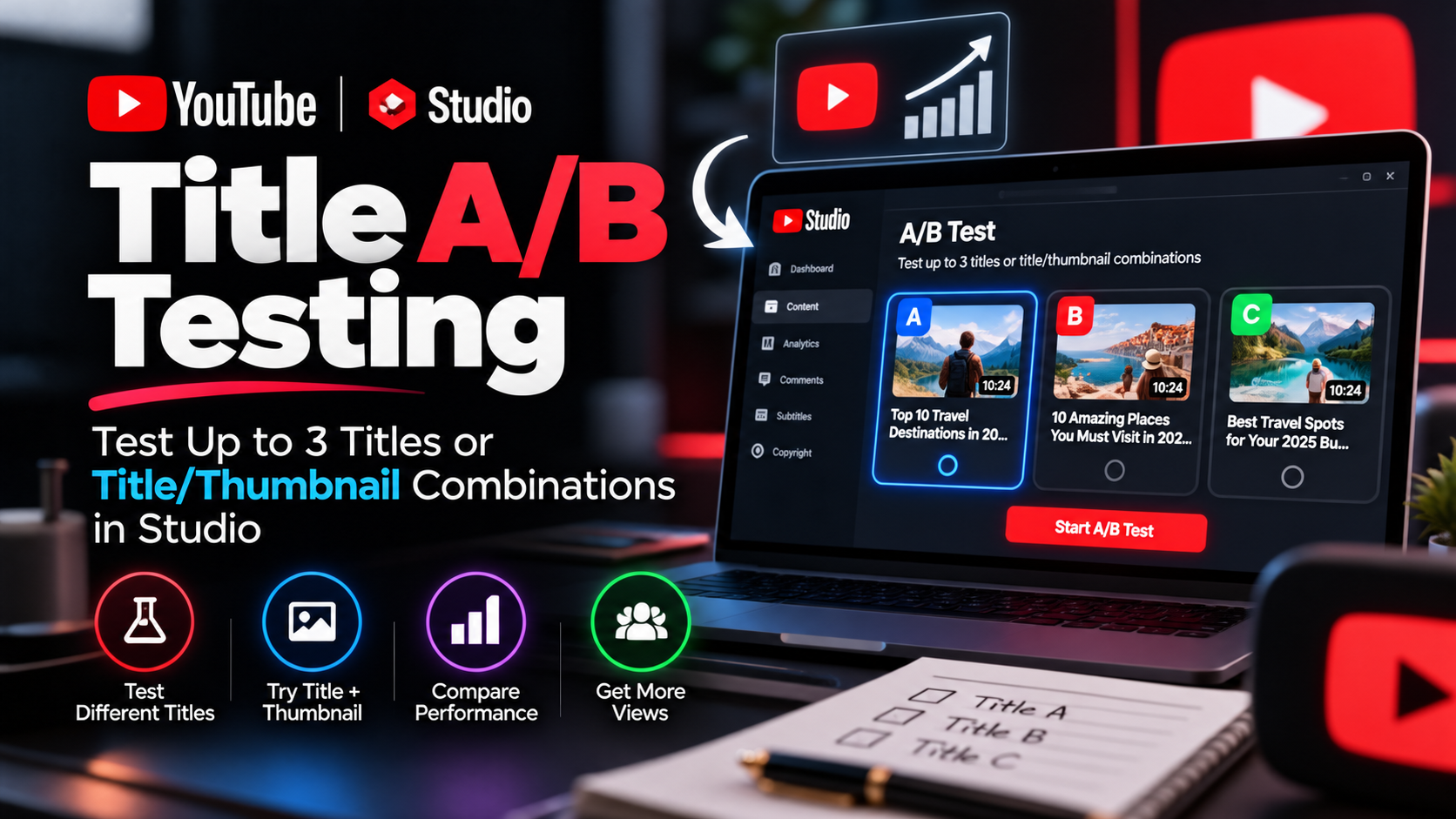
YouTube’s built-in A/B testing feature officially called “Test titles and thumbnails” lets creators upload up to three different versions of a title, thumbnail, or both, and pit them against each other with real viewers. No third-party tools. No spreadsheets. No guessing.
At the end of the test, the title or combination of title and thumbnail with the highest watch time will be shown to all viewers.
That last part is important YouTube doesn’t just measure which version got the most clicks. It measures which version actually kept people watching. That distinction matters more than most creators realize.
Why Watch Time Not Click-Through Rate Decides the Winner
A lot of creators instinctively think a better thumbnail means a higher click-through rate, and a higher CTR means more success. That thinking isn’t wrong but it’s incomplete.
Great titles and thumbnails serve an important purpose beyond getting viewers to click. They help a viewer to understand what the video is about so that they don’t waste their time clicking on the wrong videos. To help your video get high-quality engagement, YouTube optimises tests for overall watch time over other metrics like click-through rate.
Think about it this way a clickbait title might get a ton of clicks, but if people leave within the first 15 seconds because the video didn’t deliver what the title promised, that hurts your channel long-term. YouTube’s A/B testing rewards honesty. The version that attracts the right viewers and keeps them engaged wins, not just the one that looks flashy.
This is a genuinely different way of thinking about thumbnails and titles, and it’s one of the reasons the native tool beats most external solutions.
Eligibility Requirements: Who Can Use This Feature?
Before you get excited and rush to YouTube Studio, make sure you actually qualify. Here are the requirements you need to meet.
This feature is currently only available on computers through YouTube Studio desktop only. You also need to have advanced features enabled on your channel.
Advanced features aren’t turned on by default for everyone you may need to verify your identity or meet certain account thresholds. If you haven’t unlocked them yet, check YouTube’s guidance on how to access advanced features on your account.
When it comes to video format, you are not able to A/B test Shorts, scheduled lives, or Premiere videos at this time. However, you can A/B test live archives. Premiere videos only become eligible after the Premiere ends and the video converts to a long-form video.
There are also content restrictions worth knowing. You cannot use this feature on videos that are Made for Kids, for mature audiences, or are private. And there’s a compliance note that’s easy to overlook: if you upload age-restricted content to the testing tool and don’t mark it as age-restricted, you will lose feature access. So be careful about that one.
Test Formats: Title-Only, Thumbnail-Only, or Both Together
One of the most useful parts of this feature is that you have flexibility in what you’re testing. You don’t have to test everything at once.
When you’re setting up a test, you’ll be asked to choose between Title only, Thumbnail only, or Title and thumbnail together. Each serves a different purpose.
Testing titles only is great when you’re happy with your thumbnail but want to see whether a question-based title outperforms a statement, or whether curiosity-driven phrasing works better than direct, value-first headlines.
Testing thumbnails only makes sense when you’ve nailed the title but want to experiment with different visual styles maybe a close-up face expression versus a text-forward design versus a clean branded look.
Testing both together is the most comprehensive approach and gives you the clearest picture of how the full “package” performs. But it also makes it harder to isolate what exactly caused the difference in results. If you’re just starting out with A/B testing, testing one element at a time is often cleaner.
Step-by-Step: How to Run a YouTube Title A/B Test
Ready to actually set one up? Here’s how it works inside YouTube Studio.
Sign in to YouTube Studio and select the video you want to test. If you want to test a new video, click “Create” in the upper right-hand corner and upload the video. For an existing video, go to Content in the left menu and click the video you’d like to edit. In the Title box or under Thumbnail, click “A/B testing.” Select either Title only, Thumbnail only, or Title and thumbnail, and upload up to three thumbnails and titles to test. Then click Done.
One thing to be aware of: if a video’s title or thumbnail is changed during the test, the test will automatically stop, and you’ll need to restart the A/B test. So once you kick off a test, leave it alone and let it run.
How Long Do Tests Run?
Your test should be completed within two weeks. Tests can take a few days or up to two weeks to complete due to differences in impressions, how recently your video was published, and other factors.
Don’t panic if the results are slow to come in during the first few days. That’s totally normal, especially for videos that aren’t pulling in thousands of views per day. The system needs enough real data to make a statistically meaningful call.
Reviewing Your Results and How to Stop a Test Early
If you’re currently running an A/B test, you can review your current test results or stop your test at any time. Sign in to YouTube Studio, select the video you’re testing, click Analytics, then the Reach tab. Under “How your A/B test is going,” click “Manage test.”
You don’t have to wait for the full two weeks if something clearly isn’t working or if you realize one of your test variants has an error. Stopping and restarting is always an option.
Understanding the Three Possible Outcomes
Once your test wraps up, you’ll see one of three results.
Winner means one option clearly outperformed the others based on watch time share and the results are statistically significant. Performed the same means the test ran and all options performed about the same there may be small differences, but no clear winner, so you pick the option you prefer. Inconclusive means there was no strong statistical difference in engagement between your options in this case, the first title and thumbnail you uploaded becomes the default.
Getting an “Inconclusive” result doesn’t mean the test failed. It often just means the variants were too similar to each other, or the video didn’t generate enough impressions. Both of those are useful learnings.
It’s normal not to receive a “Winner” test result. There may be a few reasons minimal differences in titles or thumbnails, or not enough impressions because your videos aren’t generating a sufficient amount of views.
Designing Better Test Variants: The High-Contrast Hypothesis
This is where most creators leave performance on the table. They test two thumbnails that are almost identical same image, slightly different text color and wonder why the results come back inconclusive.
Testing titles and thumbnails that are too similar to each other can cause tests to run for longer, because there may not be enough of a difference between them to decide on a winner.
The best A/B tests are built around a strong hypothesis a clear, contrasting question you’re trying to answer. For example: “Does a curiosity-gap title perform better than a direct how-to title for this topic?” or “Does a face-forward thumbnail outperform a results-focused one?”
When you design variants that are genuinely different from each other different emotional tone, different framing, different visual style you give the test a real chance to surface a meaningful winner.
For thumbnails, think about high contrast not just in color but in concept. A face expressing genuine emotion versus a clean text card are fundamentally different things. A thumbnail with motion and energy versus one with negative space and simplicity tells completely different stories. That’s the kind of contrast that produces actionable results.
Tips to Get the Most Out of YouTube Title A/B Testing
YouTube recommends testing older videos first to reduce the impact to your channel’s overall views. From there, choose specific videos that will be most helpful to test for your channel’s content strategy.
This is smart advice. Testing a video that’s already slowing down in traffic is much lower risk than running tests on your most active recent uploads. Once you’ve built confidence in the process, you can start testing newer content.
Always use the highest resolution for all thumbnails. If the resolution of any thumbnail is lower than 720p (1280 x 720), all experiment thumbnails will be downscaled to 480p (854 x 480). This one catches people out if one of your test thumbnails is low resolution, it drags all the others down with it.
Also worth noting: YouTube may maintain a small percentage of traffic as a control group of viewers that are excluded from the experiment. The control group will only see the default thumbnail and title, and their performance data is excluded from the experiment calculations. So don’t be thrown off if the numbers look slightly smaller than expected that’s just the control group doing its job.
Common A/B Testing Mistakes to Avoid
Testing too many things at once. If you’re running title and thumbnail together and get a winner, you won’t know which element actually drove the improvement. Start with one variable for cleaner data.
Stopping the test too early. It’s tempting to stop a test the moment one version looks like it’s winning. But statistical significance takes time to build. Let the full window run unless you have a clear reason to stop.
Ignoring the watch time signal. If one version has a higher CTR but lower watch time, it’s not actually the better performer by YouTube’s metric. Trust the system it’s measuring what actually helps your channel grow.
Not iterating after each test. Every test even an inconclusive one gives you information. Use the data to inform your next hypothesis, not just your next video.
How Promotion Fits Into Your Testing Strategy
Here’s something a lot of creators overlook: A/B tests need impressions to generate meaningful results. If your video isn’t getting enough traffic, the test will either take forever or come back inconclusive simply due to low sample size.
That’s where a well-planned video promotion service can make a genuine difference. Getting your video in front of a larger, targeted audience not only accelerates the testing process it gives you better data faster.
At NexTech Ads, we help creators drive real, targeted traffic to their content. Whether you’re building toward your first test or optimizing videos that are already performing, having a strong promotion strategy behind your content makes everything you’re testing work harder. Visit nextechads.com to learn more about how we help creators grow.
FAQ: YouTube Title A/B Testing
Can I A/B test YouTube Shorts?
No. A/B testing is not available for Shorts. Once a video has transitioned to a Short format, existing tests are also no longer accessible.
What happens if there’s no winner?
The first title and thumbnail you uploaded when setting up the test becomes the default. You can always manually change it afterward.
Why does YouTube use watch time instead of CTR to determine the winner?
Because a high CTR with low watch time signals the title misled viewers. Watch time is a much better indicator of genuine audience satisfaction and long-term channel health.
How many variations can I test?
Up to three whether that’s three titles, three thumbnails, or three combined title/thumbnail packages.
Can I A/B test on mobile?
Not right now. The feature is currently desktop-only through YouTube Studio.
Do third-party A/B testing tools give the same results as YouTube’s native tool?
Not necessarily. YouTube’s native tests are true concurrent A/B/C tests, meaning all variations run simultaneously. Many third-party tools run tests sequentially, which can produce different and less reliable results.
YouTube Title A/B Testing has genuinely changed what’s possible for creators who want to grow strategically. You no longer have to rely on gut feeling or guesswork. You can test, learn, and optimize with your actual audience as the deciding vote.
Start with an older video, build two or three meaningfully different variants, let the test run its course, and use what you learn to sharpen every title and thumbnail you create going forward.